


AI-Chat Instructions
The AI chat offers a simple, intuitive, and user-friendly interface that makes it easy to get started with generative AI. The following guides will help you quickly understand and use the key features.

-
User interface
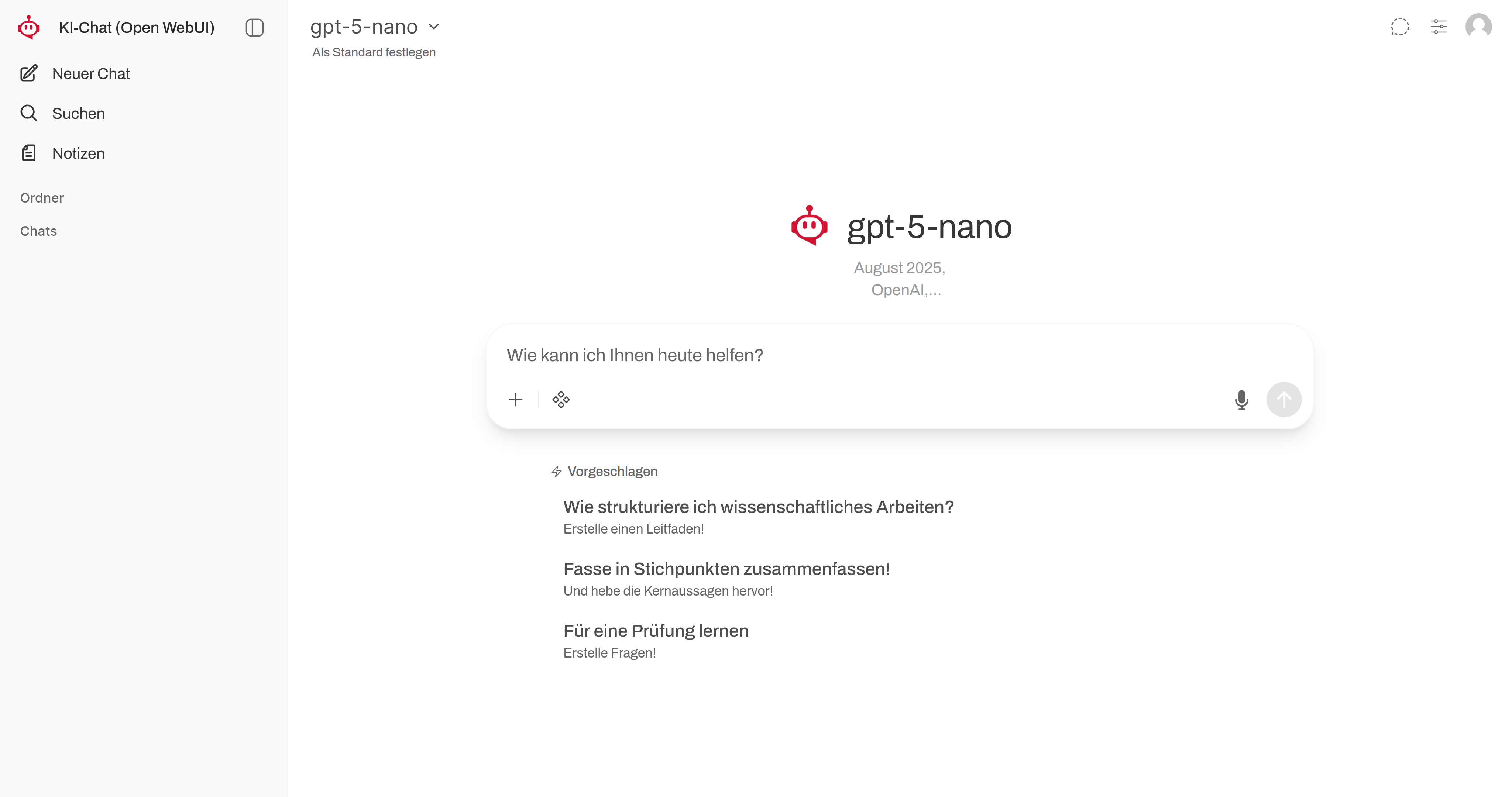 read more: User interface
User interface After logging in using the HWR username and the corresponding password, a clear interface with three central areas…
-
Transcribe
 read more: Transcribe
You can use the AI chat to transcribe audio files, thereby creating a knowledge base for the language models and…
-
Create images
 read more: Create images
You can now create images with the AI chat. ➊ Click on the diamond icon. ➋ Activate the image function…
-
Set color mode
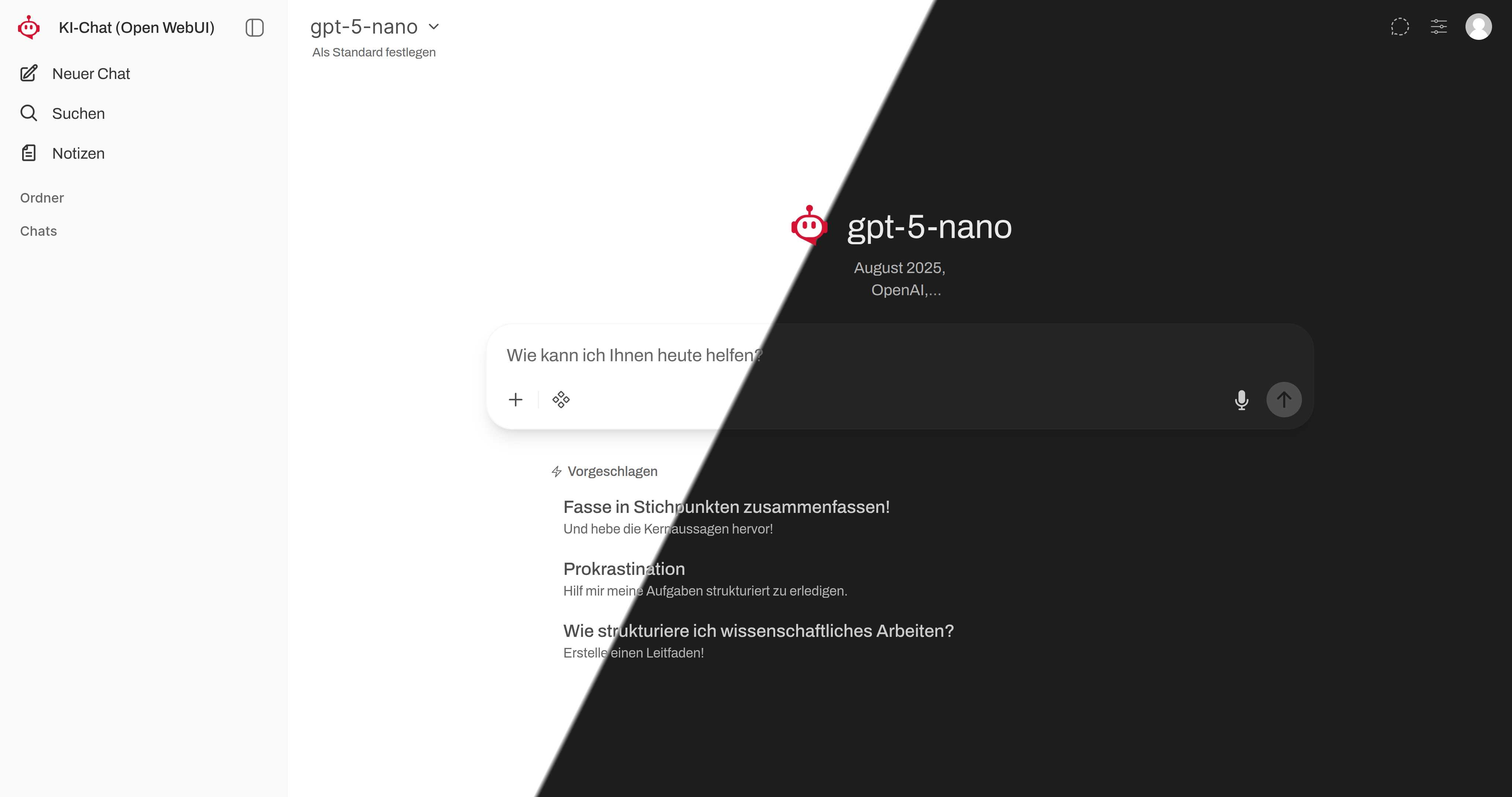 read more: Set color mode
The user interface offers a light mode and a dark mode. In the following steps, we will show you how…
More information


FB 1


Master information: everything you need to know
FB 3

The AI policy of Faculty 3 applies to term papers, final theses, and other types of unsupervised coursework and assessments.
You can find them in the Moodle course for your respective degree program under “Study Organization.”
