Transcribe
You can use the AI chat to transcribe audio files, thereby creating a knowledge base for the language models and facilitating the processing of your prompts.
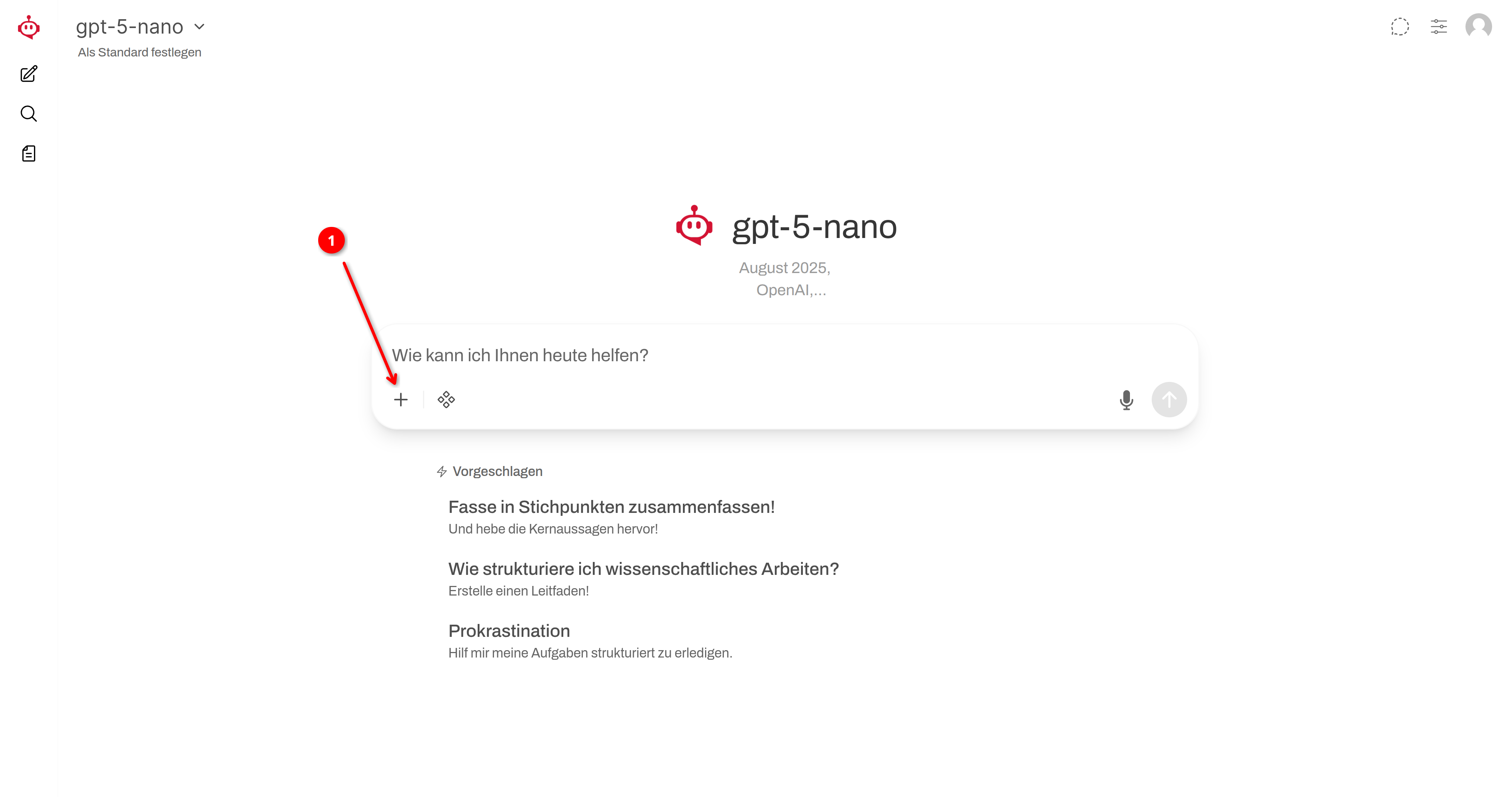
➊
Click the + icon. Here, you can add additional information to your entry.
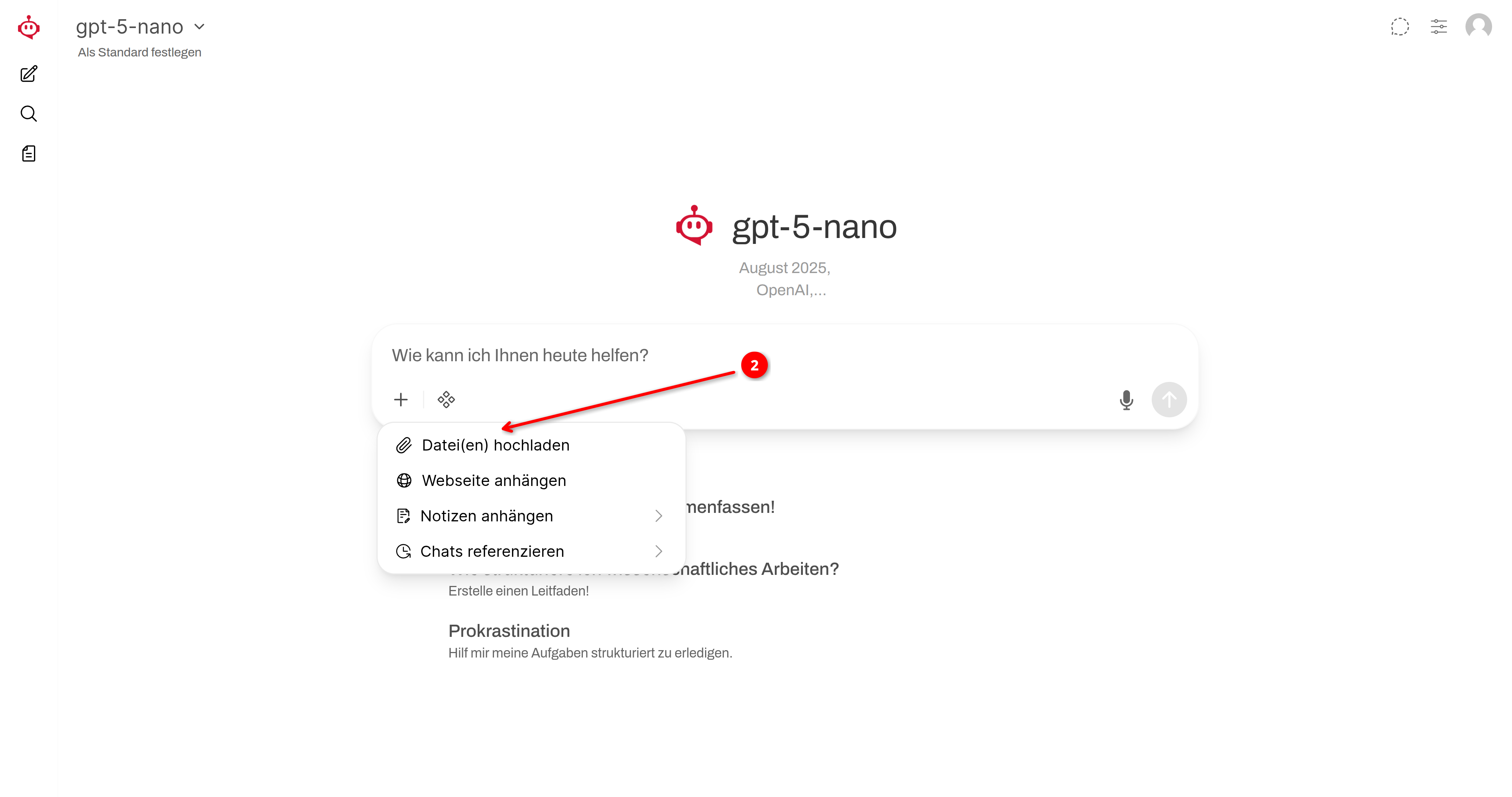
➋
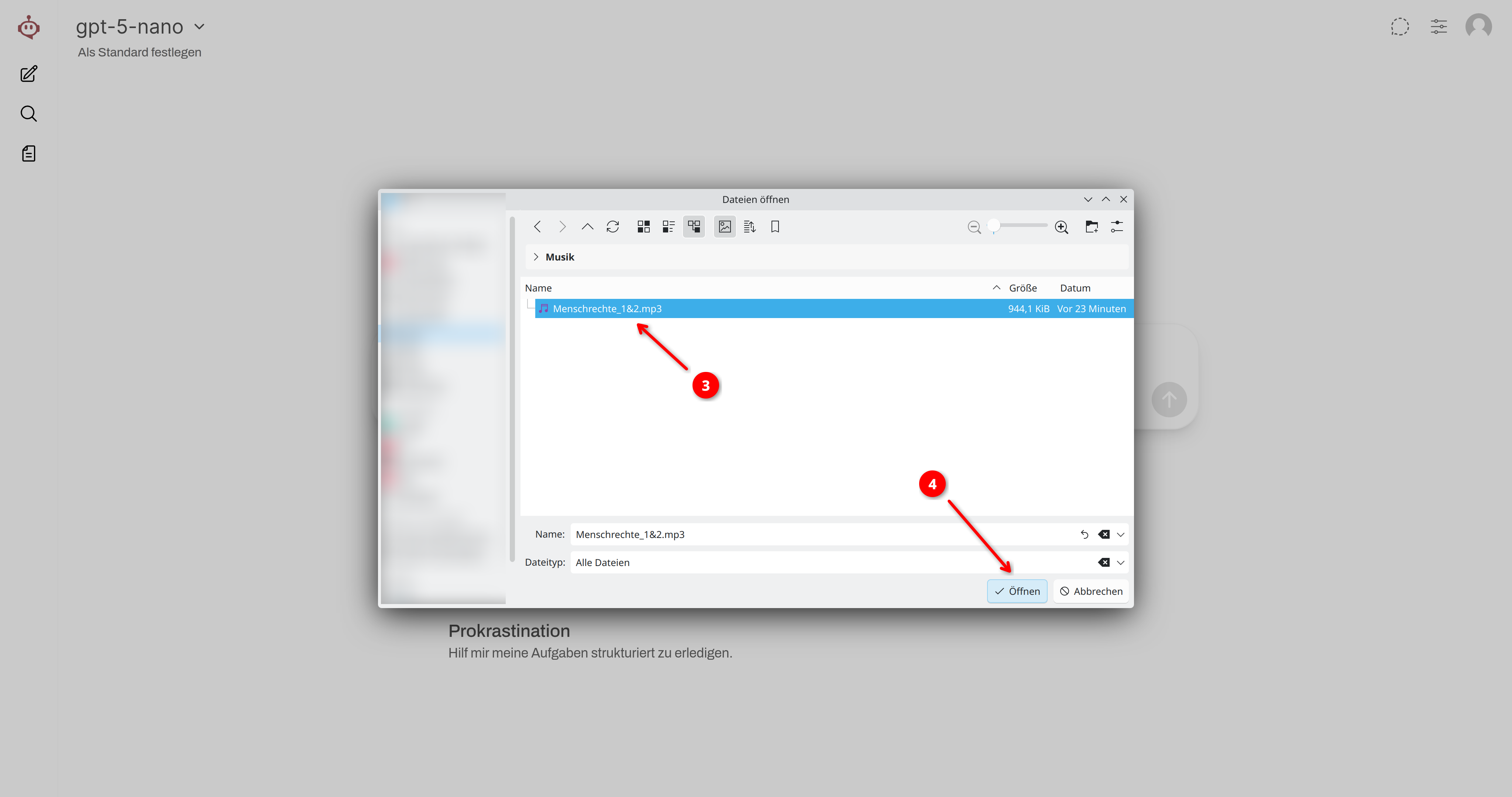
Click on Upload Files!
➌
Select the audio file to be transcribed!
➍
Confirm your selection by clicking Open!
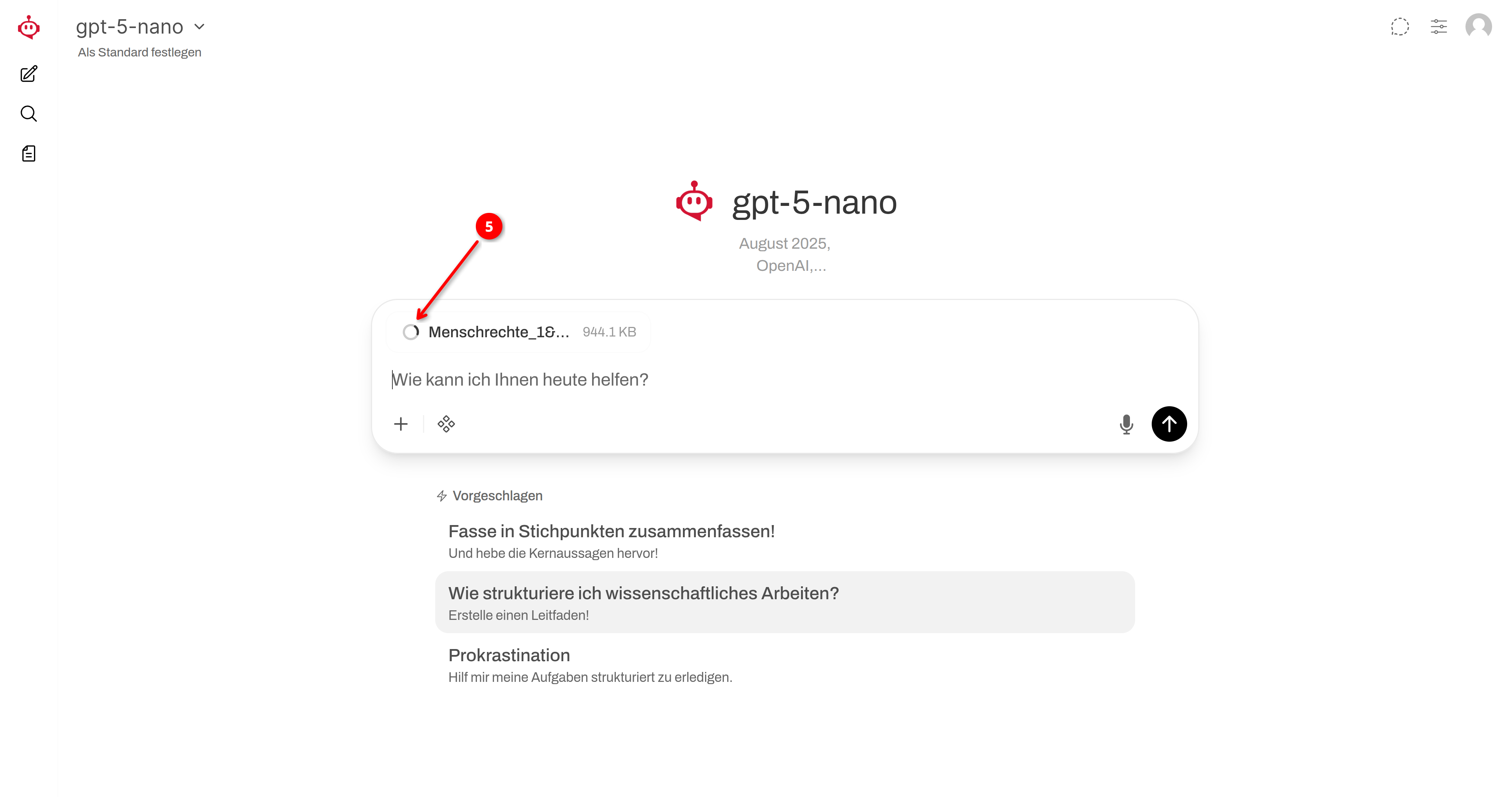
➎
The transcription is being carried out.
ⓘ
Please be patient. The longer the audio recording, the longer the transcription takes.
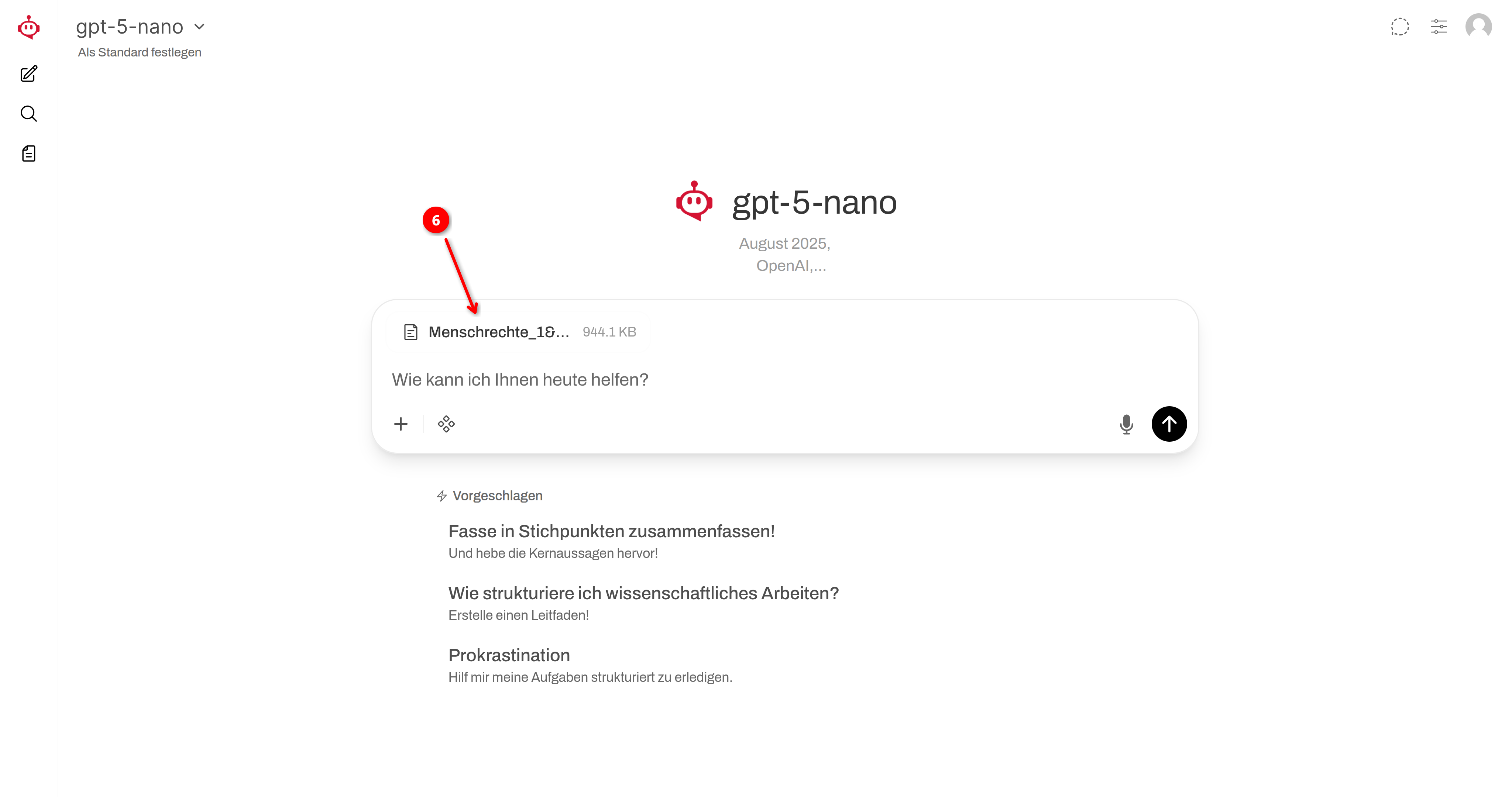
➏
The transcription process is complete once the document icon appears. Click the file name to view the text.
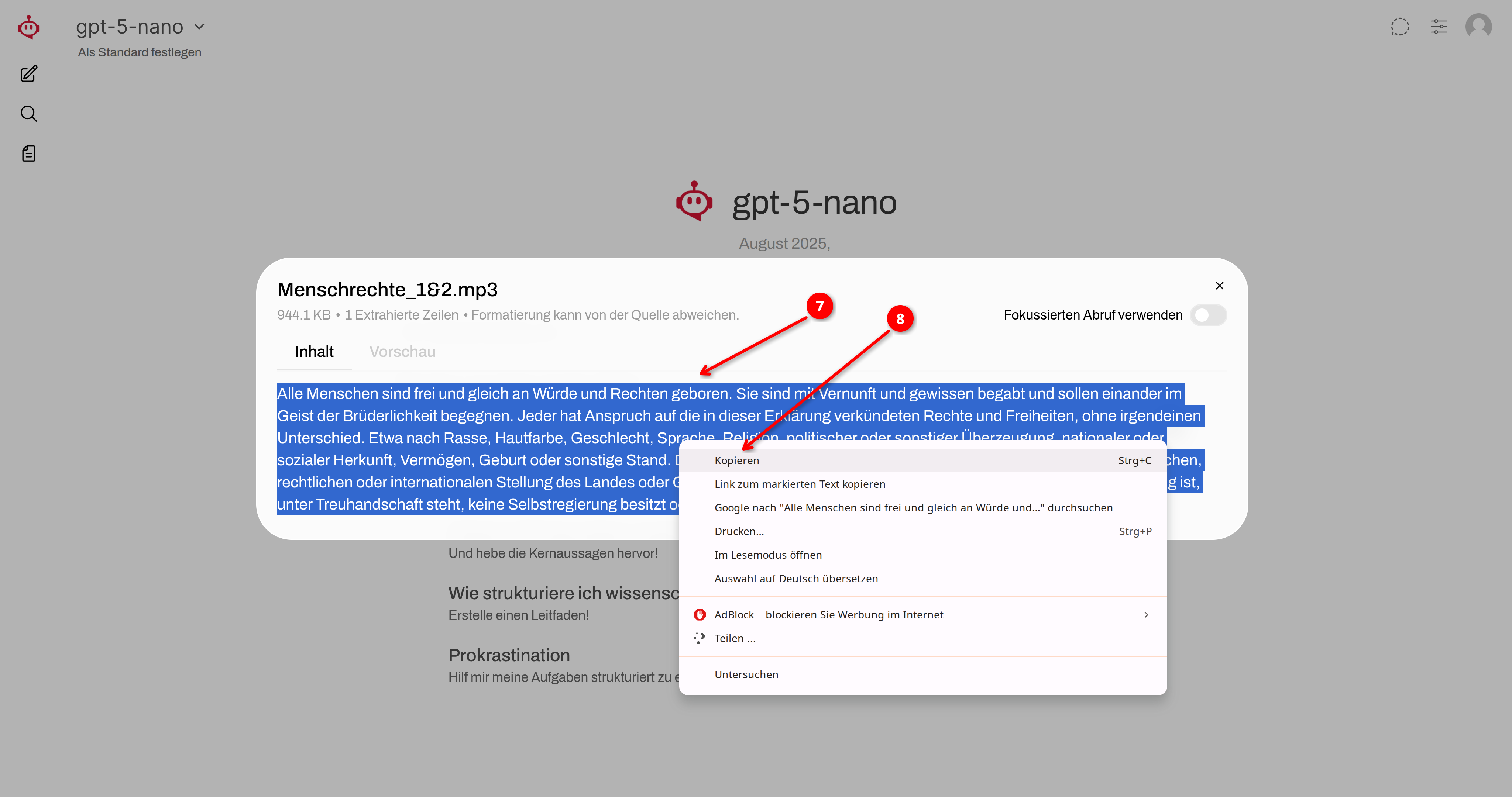
❼
You can select the transcribed text and
❽
copy to the clipboard by right-clicking and selecting “Copy” from the menu (or pressing Ctrl+C), and then paste into any text window.
❾
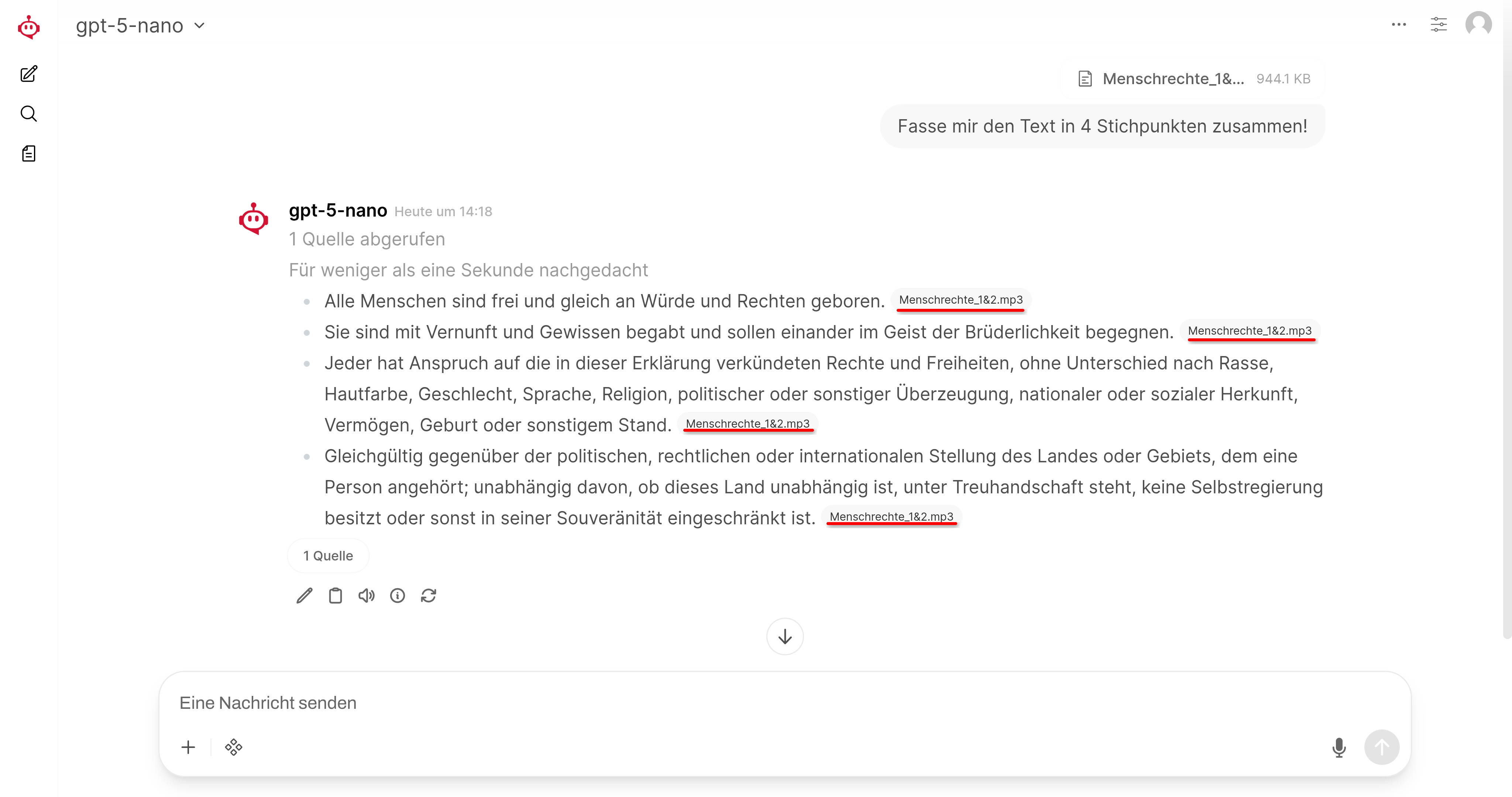
Once your uploaded audio file has been transcribed, you can use it as a knowledge base for your inputs and pose relevant tasks or questions based on it.