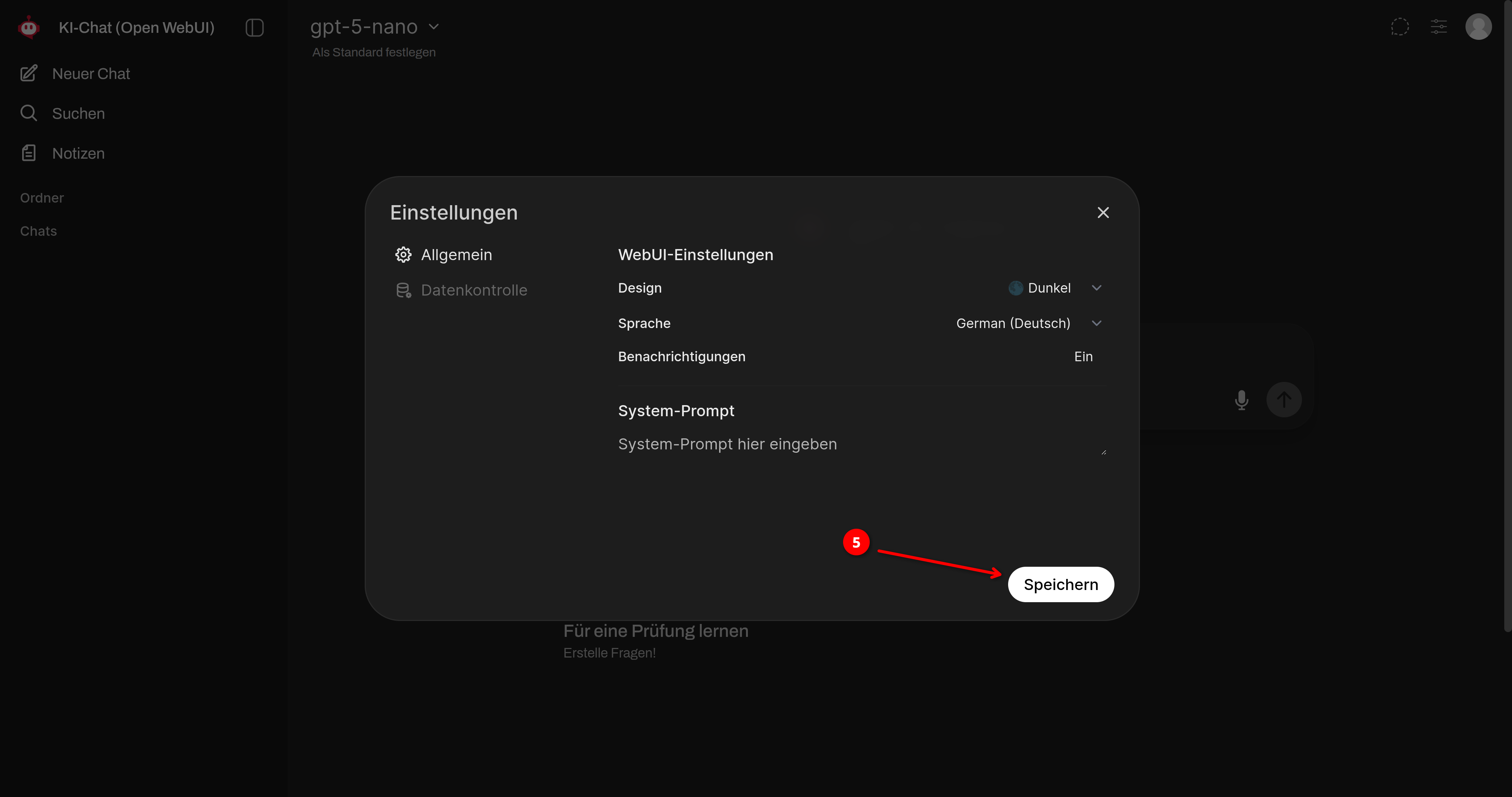
Set color mode
The user interface offers a light mode and a dark mode. In the following steps, we will show you how to adjust the color mode accordingly.
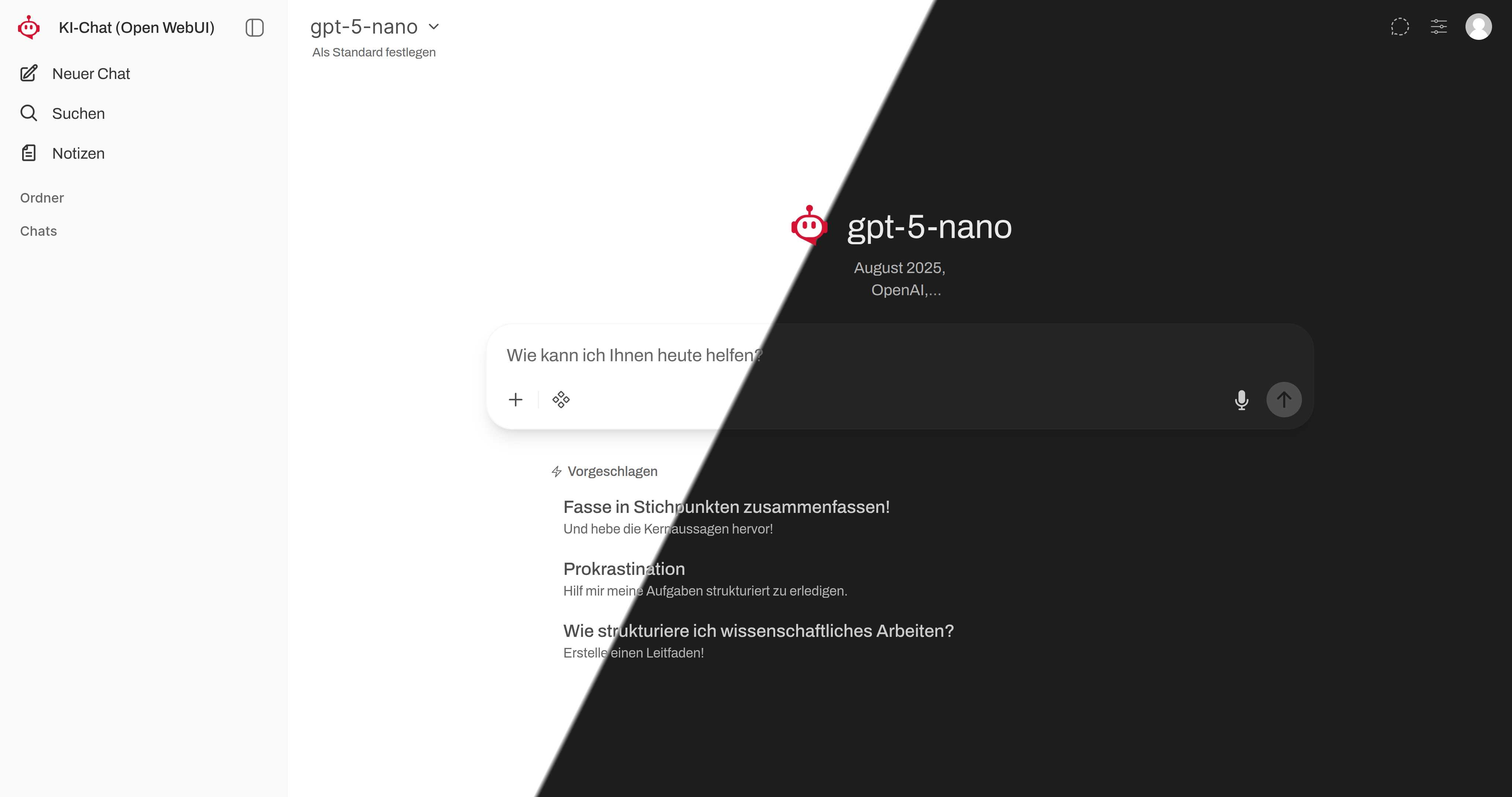
➊
Open the user settings by clicking the user icon!
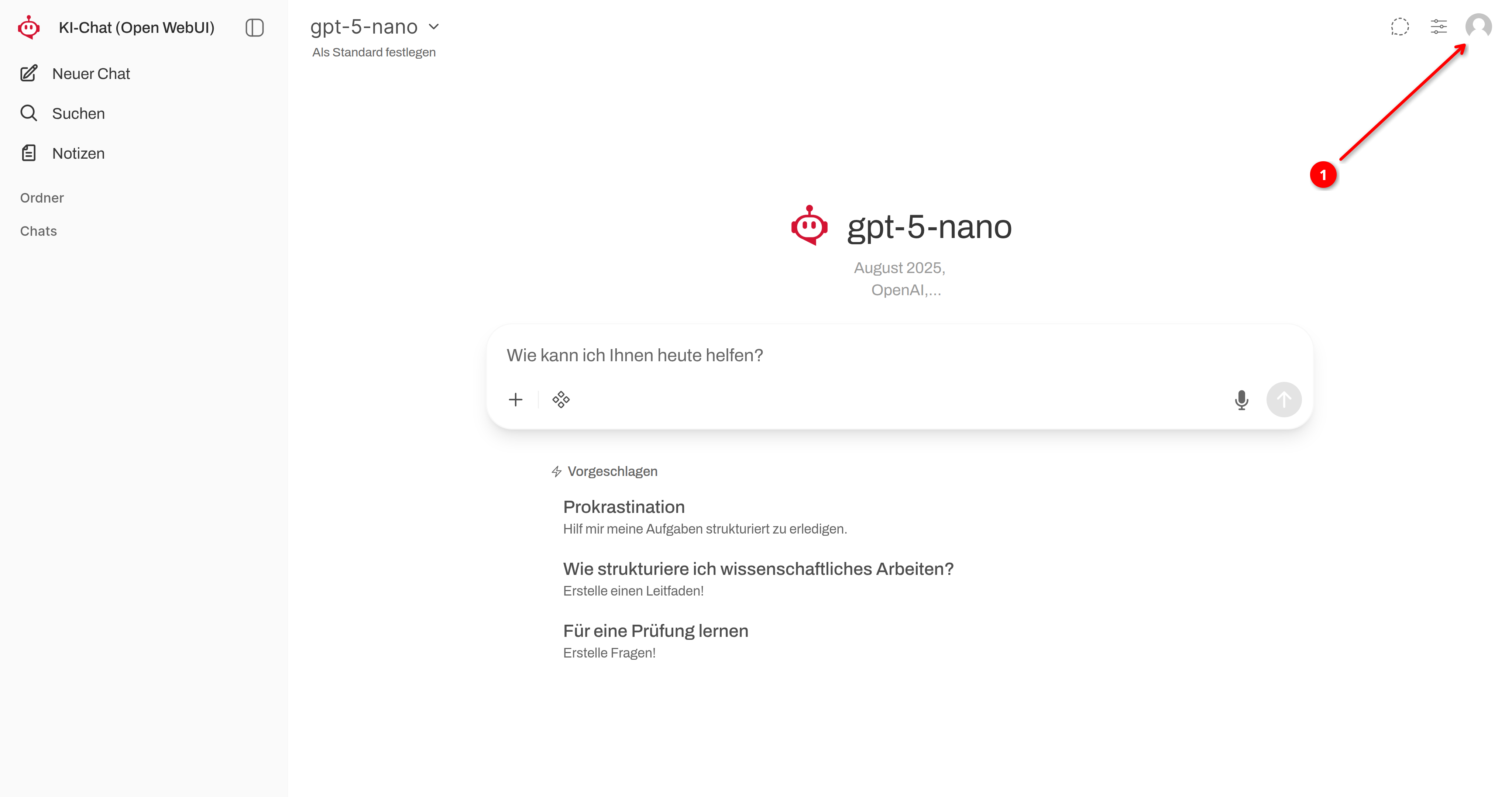
➋
Click on Settings!
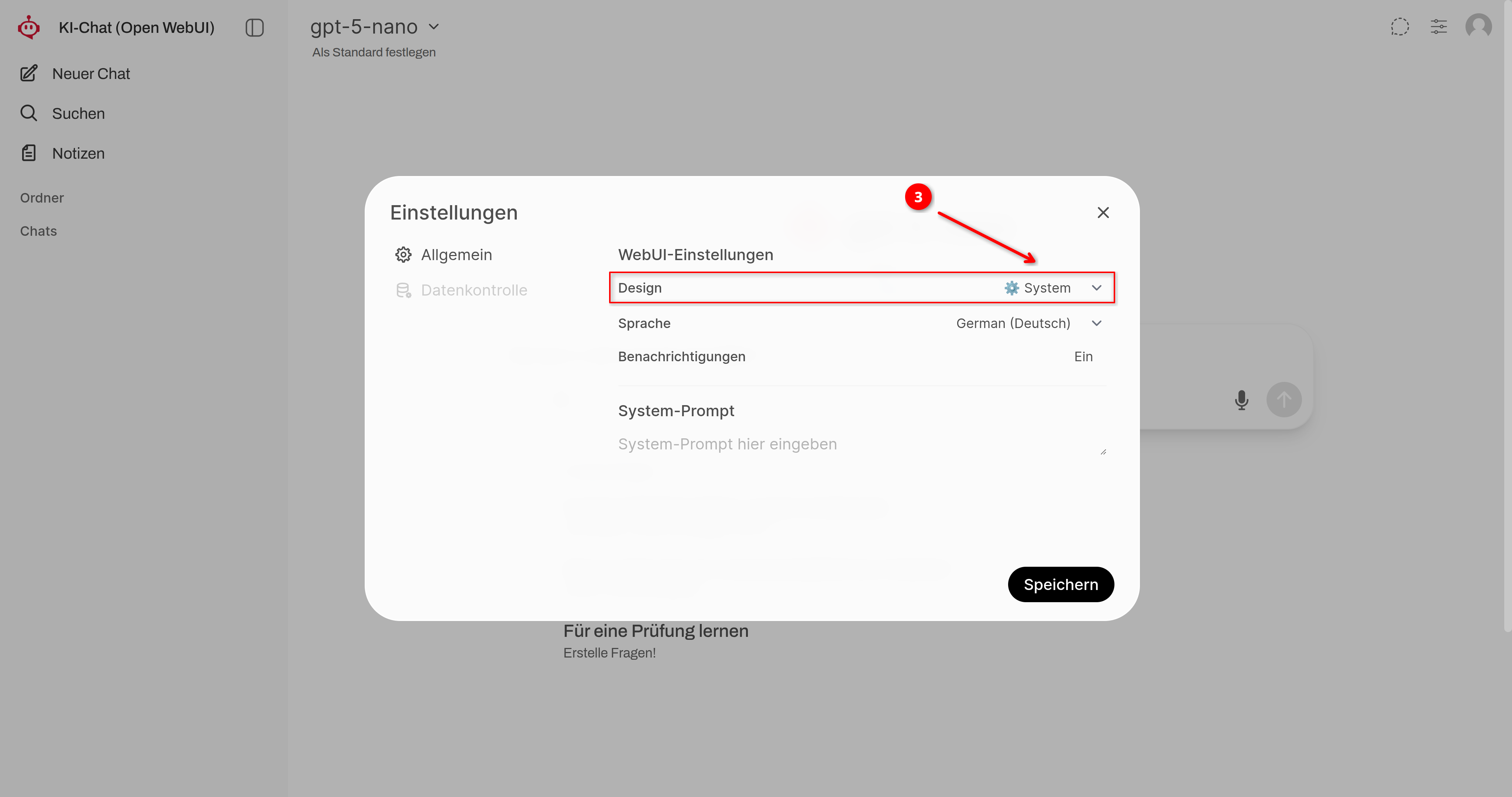
➌
Click on the selection menu under Design/Theme!
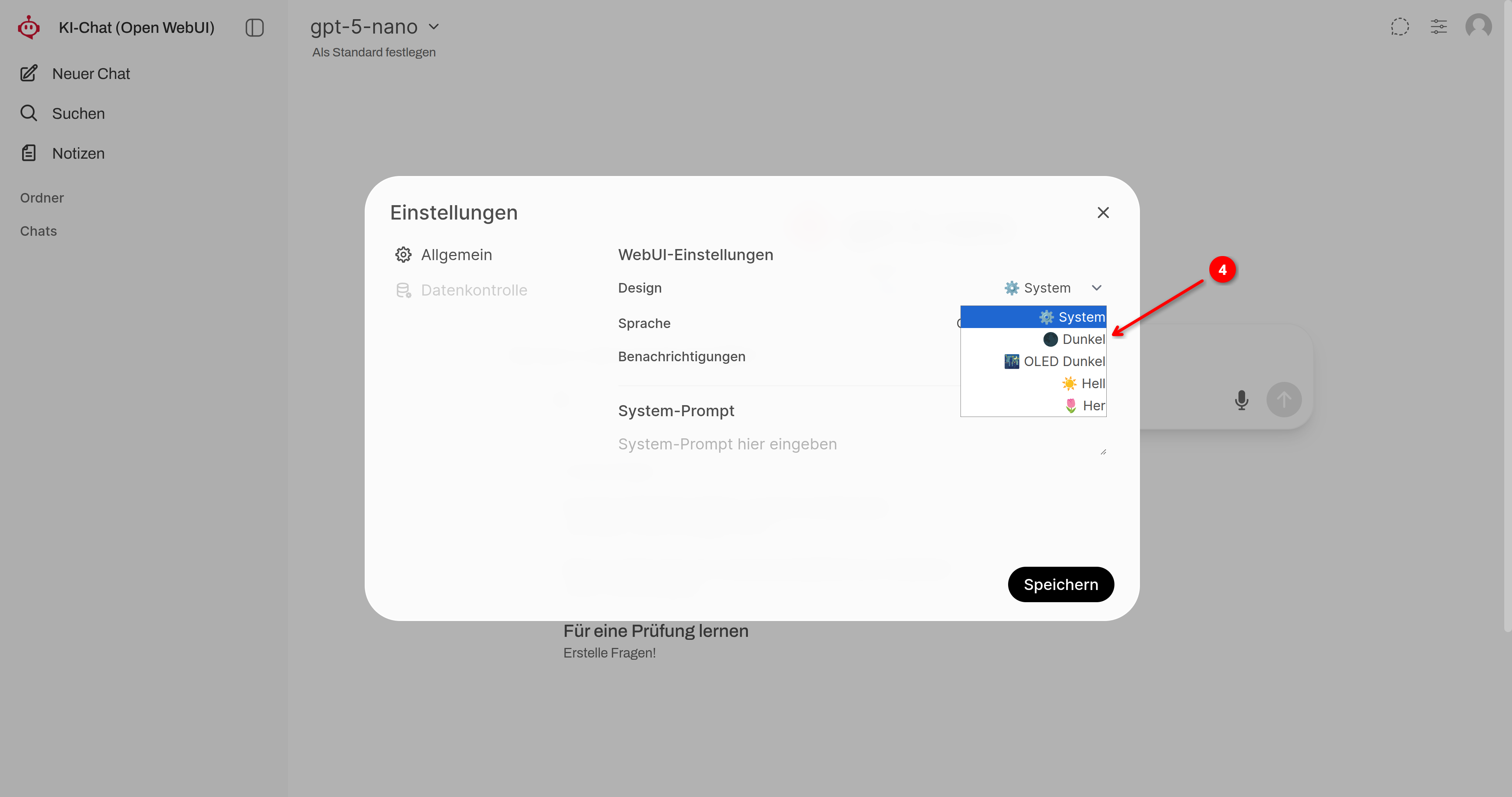
➍
Select the desired color mode!
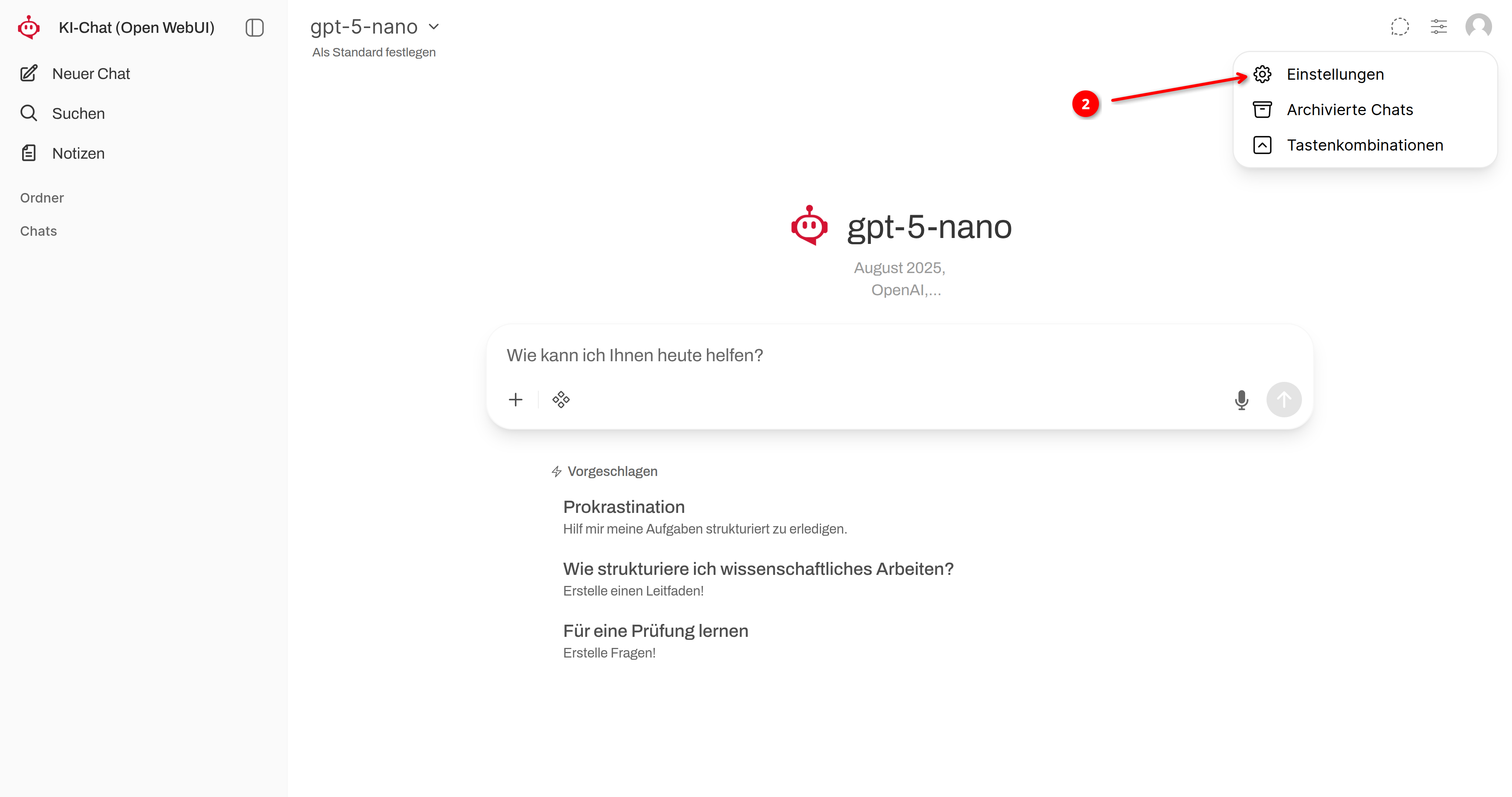
➎
Then click Save!